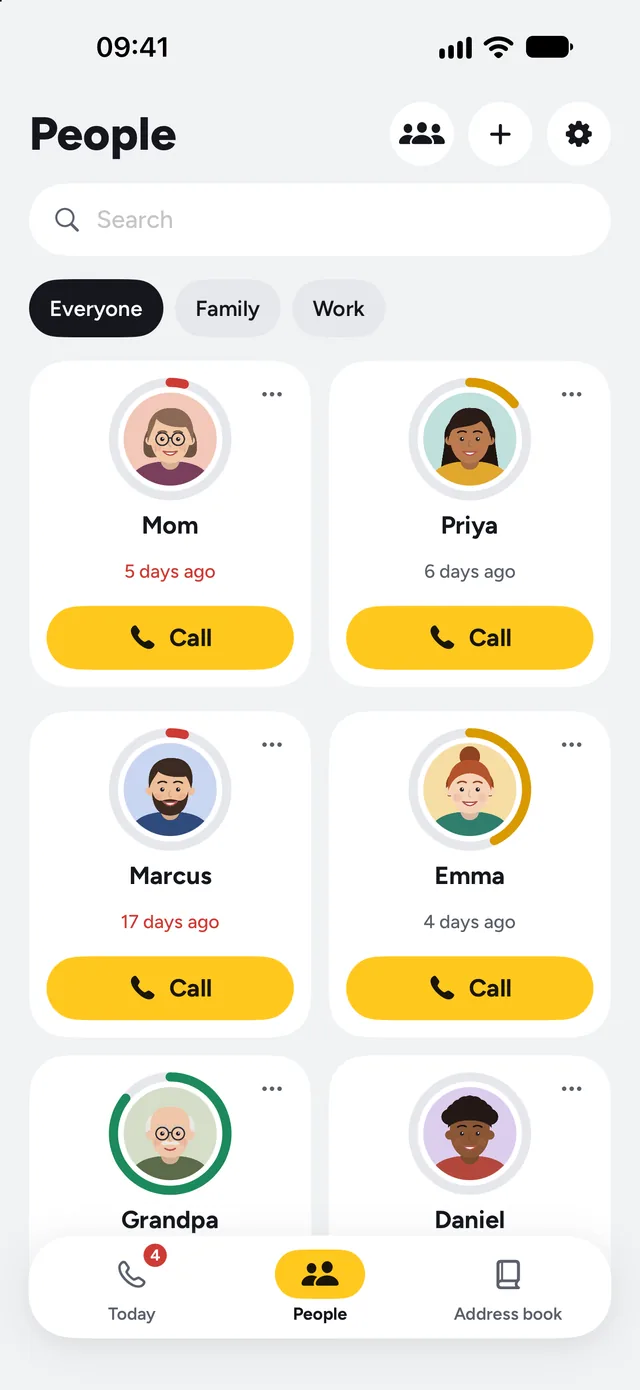




One tap to call, one place to remember
Most people call the same few numbers every day, and forget the ones they meant to call. FastCall helps with both, without reading your call log and without an account.
One-tap speed dial for iPhone
Big faces and one yellow button. Call, WhatsApp, FaceTime, Telegram or SMS, with the right number for each person.
Tapped by mistake? You can cancel before the call starts. Calling is free and is never interrupted by ads.
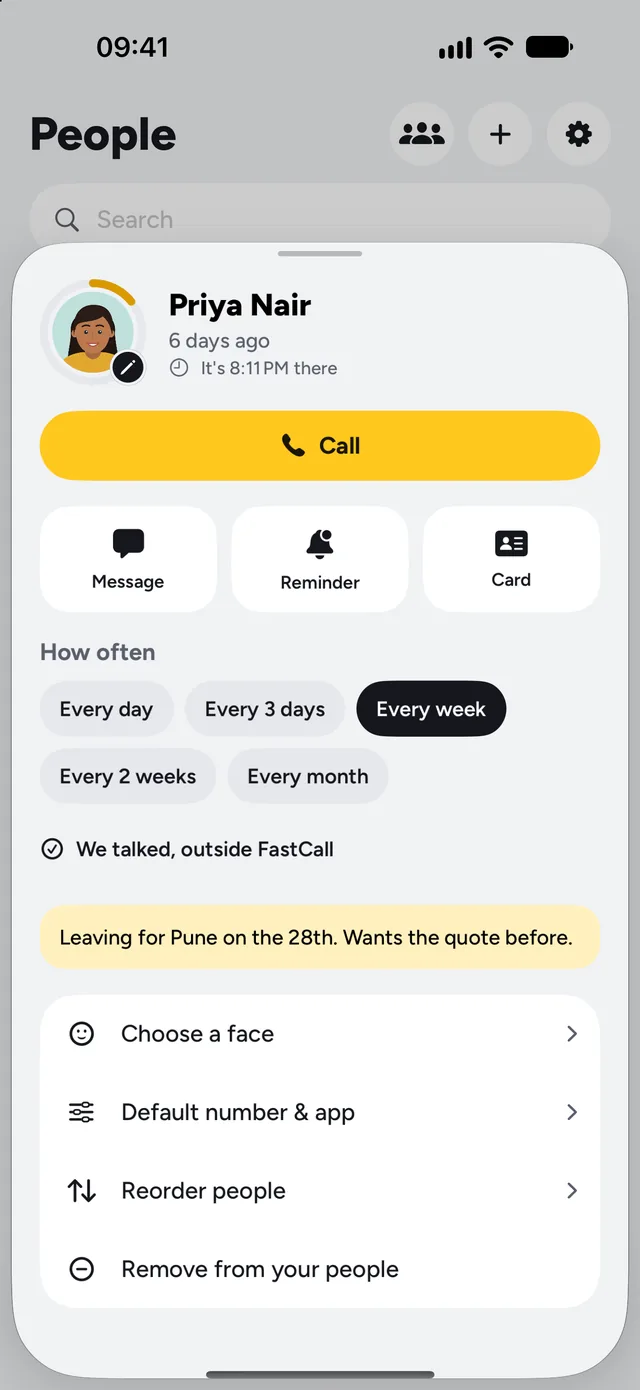
Know who to call today
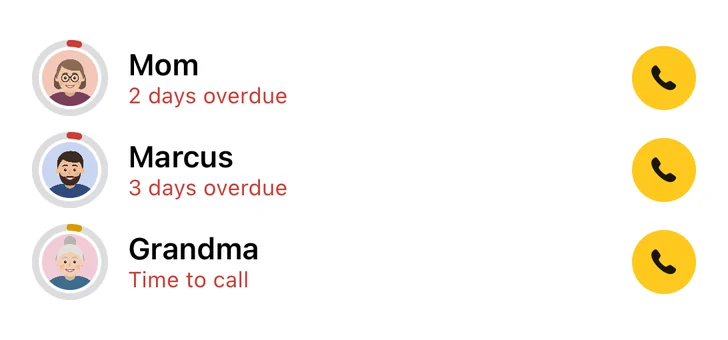
Choose how often you want to hear from someone: every day, every week, every month. A ring around their face shows how long it has been.
When it is time, they are in Today. You can also type “Call Marco on Friday about the quote” and the reminder is set.
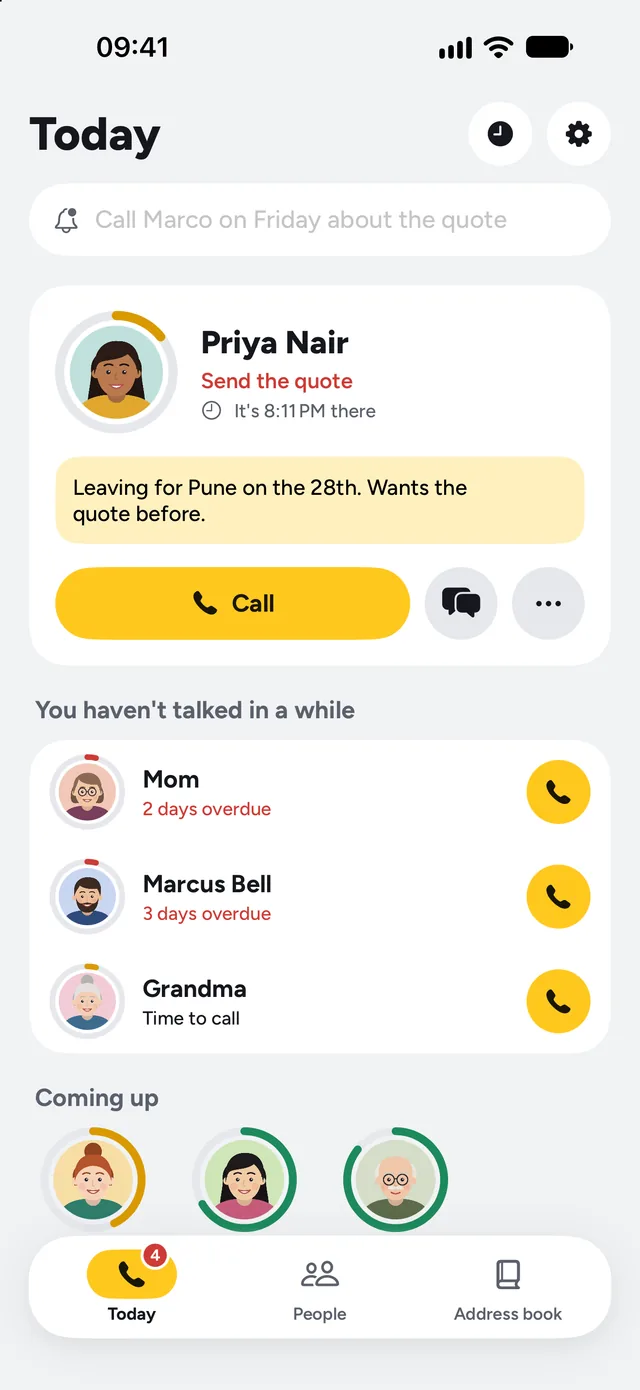
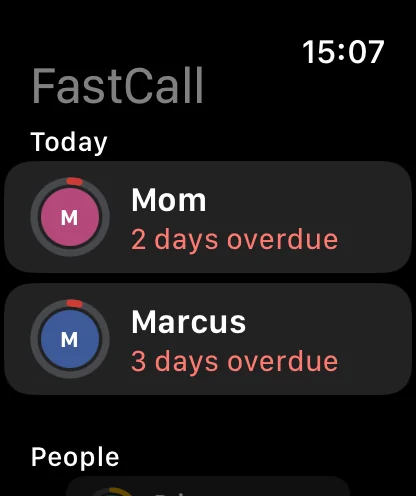
Speed dial widget and Apple Watch
Call from the Home Screen without looking for the app. The single-contact widget is free.
With Pro you also get a grid of favorites, a rings widget that shows who to call, Lock Screen widgets and the Apple Watch app.
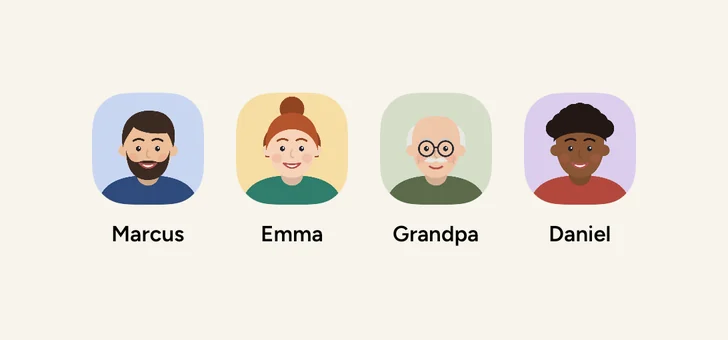
Write it down before you forget
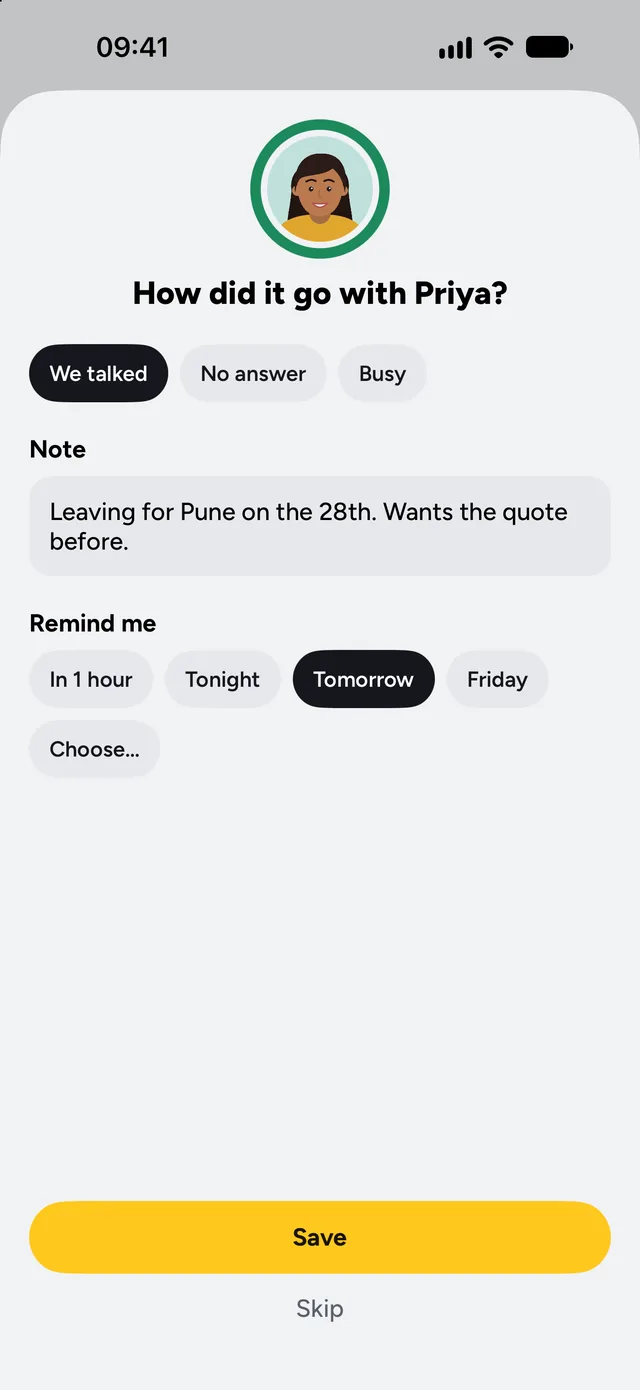
After a call made from FastCall, add a note and a reminder in ten seconds.
Next time the note is in front of you, together with the local time of whoever lives far away.
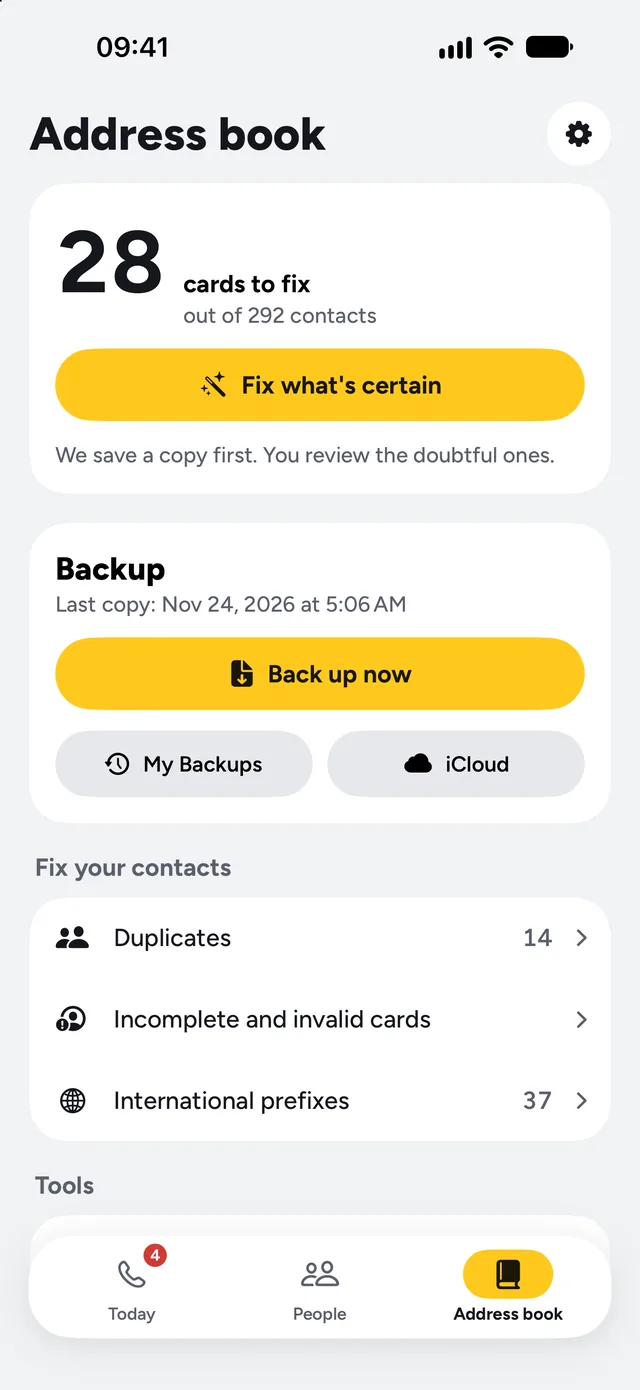
Merge duplicate contacts safely
FastCall finds duplicate contacts, incomplete cards and missing international prefixes.
It saves a backup before it changes anything and leaves doubtful cases to you. Scan business cards and turn them into contacts.
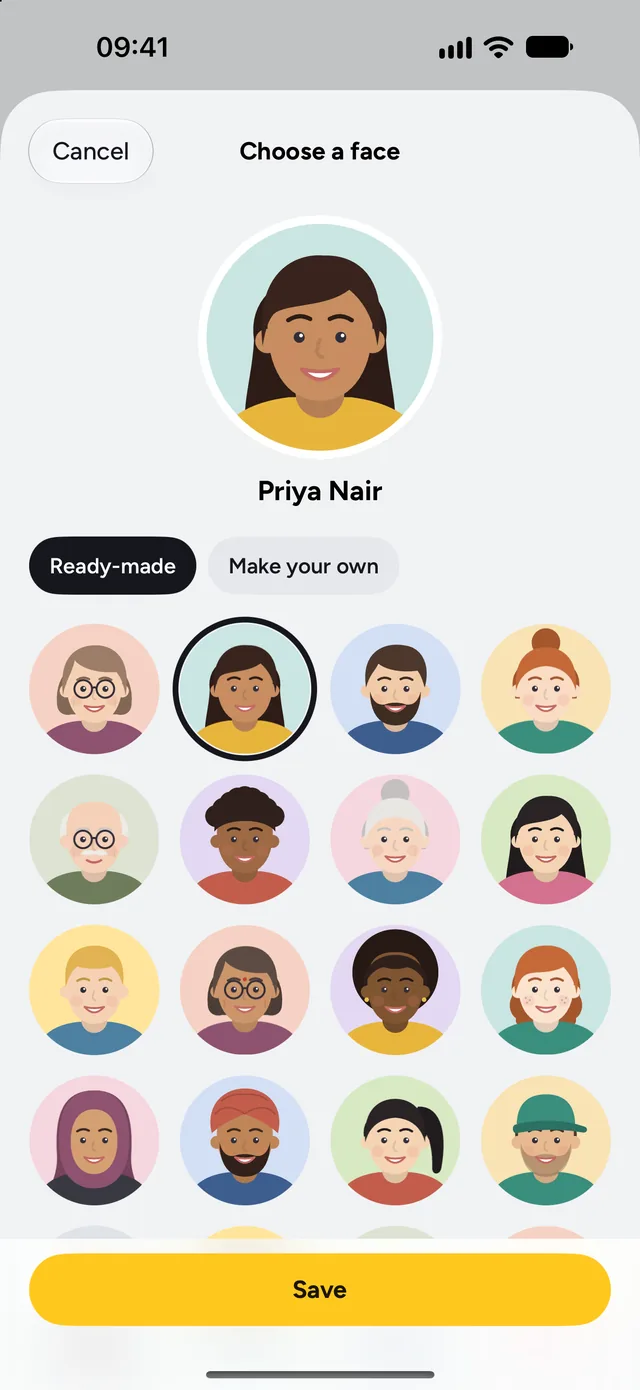
Don’t love a contact photo? Pick a face
Give anyone a drawn face, or make your own from hair to glasses. Eight faces are free.
With Pro you can use it in the Contacts app too. The old photo is kept, so you can bring it back.
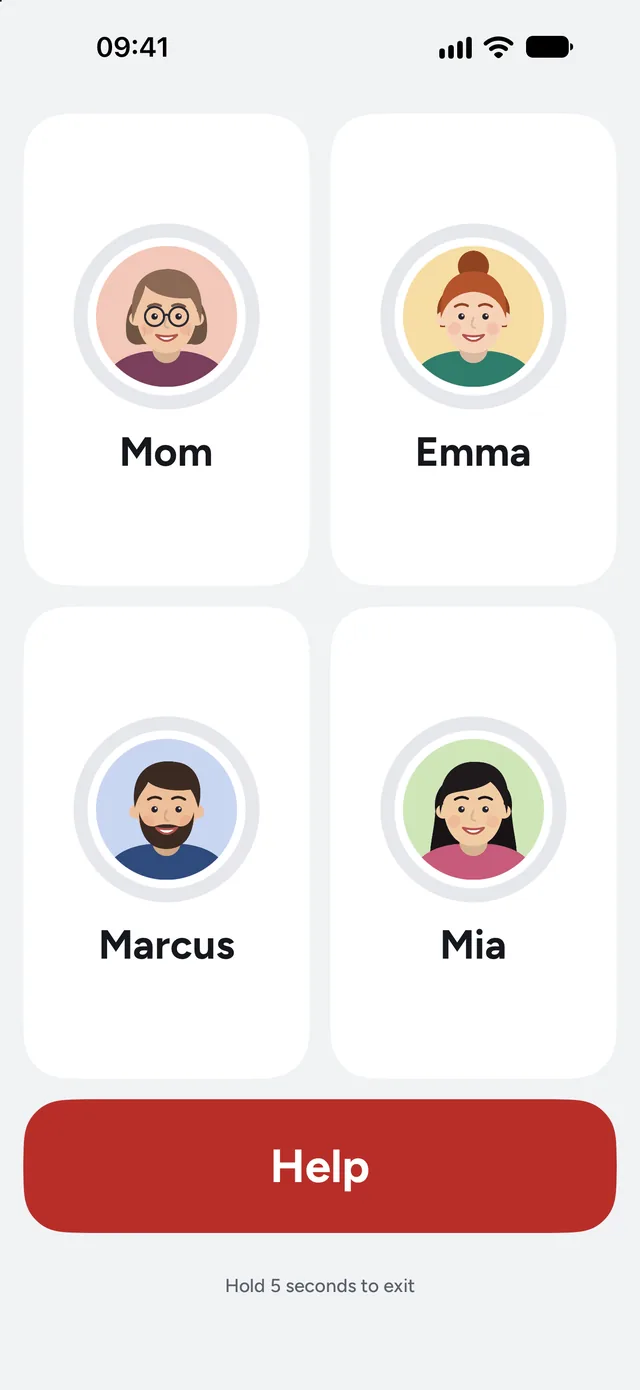
A simple phone for grandparents
Four big faces and one Help button fill the screen. Each call asks for a clear yes or no first.
Set it up on a parent’s or grandparent’s iPhone in a minute.
Free, or everything with Pro
FastCall
Free, with ads
- Calls and messages, always
- 8 favorites and the Home Screen widget
- 1 person with a rhythm and 2 reminders
- The latest note of each person
- Full contacts check and 3 fixes
- 8 drawn faces
FastCall Pro
$0.99 a month, $8.99 a year with a 7-day free trial, or $39 once
- Everyone to call today, without limits
- All notes and history, groups, quick messages
- Contacts cleanup, backup and merge
- Apple Watch, iCloud sync, all widgets
- Birthdays, Grandparents mode, all faces
- No ads
Questions and answers
How do I put a speed dial widget on my iPhone Home Screen?
Install FastCall and add your people. Then touch and hold the Home Screen, tap Edit, Add Widget, and choose FastCall. The single-contact widget is free. Larger grids, the rings widget and Lock Screen widgets are part of FastCall Pro.
Can FastCall call with WhatsApp, FaceTime or Telegram?
Yes. Each person can be reached by phone call, WhatsApp, FaceTime, Telegram or SMS. You choose the number to use for each one, and with Pro you can change what the yellow button does.
How does FastCall remind me to call someone?
You choose how often you want to hear from a person, for example every week. A ring around their face shows how long it has been. When it is time, they appear in Today. You can also set a reminder with a date, or write it in plain words, such as “Call Marco on Friday about the quote”.
Can FastCall read my call history?
No. iPhone does not let apps read the call log. FastCall remembers the calls you start from FastCall, and you can mark a person as contacted when you talked somewhere else.
Does FastCall merge duplicate contacts?
Yes. It finds duplicates, incomplete cards and numbers without an international prefix. Before any change it saves a safety copy, and doubtful cases are always left for you to check. The free version includes the full check and 3 fixes.
Is there a phone app with big buttons for seniors?
Grandparents mode turns the iPhone screen into four big faces and one Help button. Each call asks for a clear yes or no first, so a wrong tap does not start a call. It is part of FastCall Pro.
Can I change the photo of a contact?
You can give anyone a drawn face instead of their photo. Eight faces are free. With Pro you can use all of them, make your own and put it in the Contacts app too. The old photo is kept, so you can bring it back.
How much does FastCall cost?
FastCall is free to download and use, with ads. FastCall Pro costs $0.99 a month, $8.99 a year with a 7-day free trial for new subscribers, or $39 once for lifetime access. Prices can differ by country. Pro has no ads.
Are my contacts uploaded anywhere?
No. There is no account and no FastCall server. Contacts and notes stay on your iPhone and, only if you turn on sync with Pro, in your private iCloud.
Which devices does FastCall support?
FastCall runs on iPhone with iOS 18.6 or later. The Apple Watch app is included with Pro.